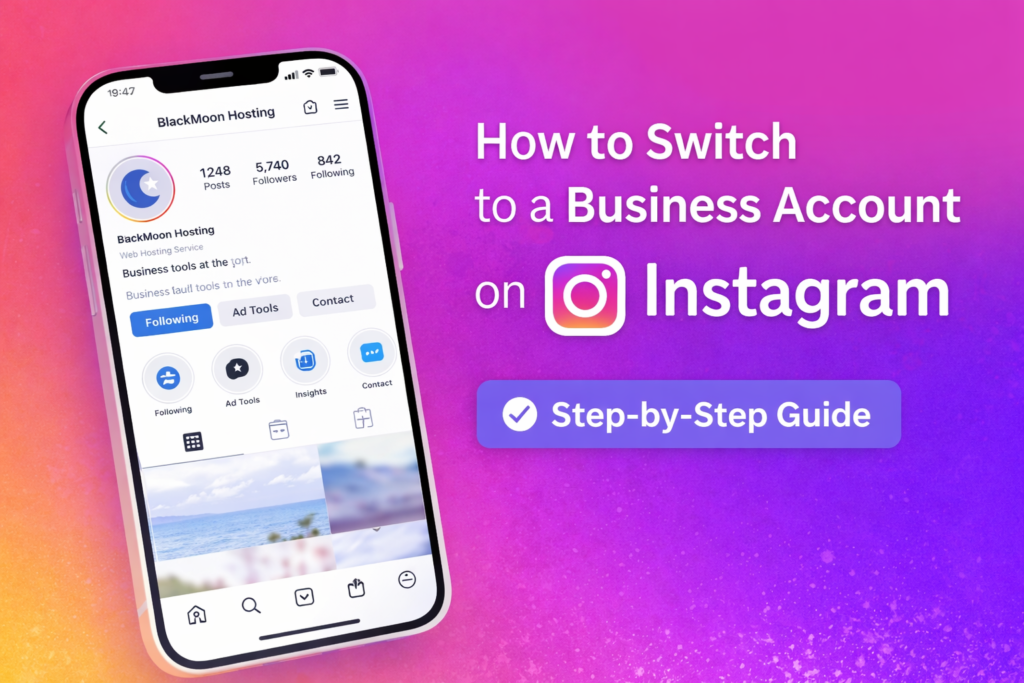
Switching your Instagram profile to a business account is a quick and simple process. The entire setup can be completed within the Instagram mobile app and typically takes between three and five minutes.
The instructions below walk you through each step required to convert your personal Instagram account into a professional business profile.
Open the Settings Menu
Go to your Instagram profile and tap the three horizontal lines (☰) in the top-right corner of the screen. This will open the menu where you can access Settings and Activity.
Locate Professional Account Tools
Scroll down until you see the For Professionals section. Tap Account Type and Tools to view the available options for switching to a professional account.
Switch to a Professional Account
Select Switch to Professional Account. This will begin the process of converting your personal Instagram profile into a professional one.
Review the Benefits
Instagram will show a brief overview of the benefits that come with a professional account, including analytics tools, advertising options, and improved contact features. Tap Next to continue.
Select Your Business Category
Choose a category that best represents your business or profession. Instagram provides more than 1,000 categories to choose from.
Use the search bar to find the most suitable option and then tap Switch to Professional Account.
Choose Business or Creator
Instagram will ask you to select an account type:
- Business – Ideal for companies, brands, and organisations.
- Creator – Suitable for influencers, public figures, and content creators.
Choose the option that best matches your needs and tap Next.
Set Email Preferences
Instagram may ask whether you want to receive promotional emails and updates. This option is usually enabled by default.
If you prefer not to receive these emails, simply toggle the setting off and tap Next.
Add Contact Information
Enter important business contact details so customers can reach you directly through your Instagram profile. This may include:
- Email address
- Phone number
- Business address
Connect Your Facebook Page (Optional)
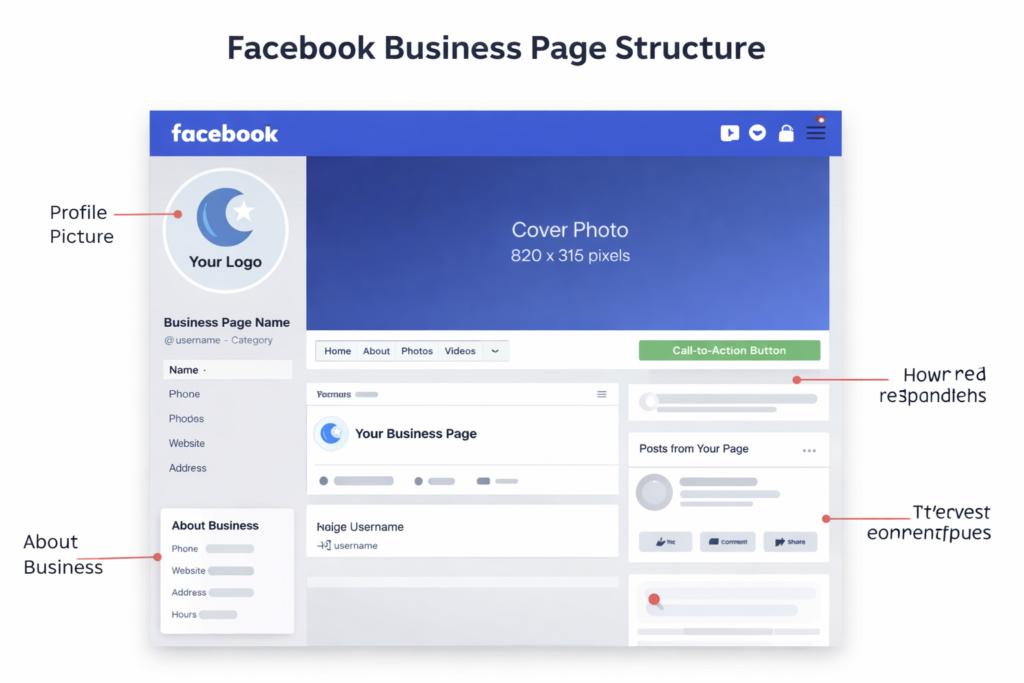
Instagram may offer the option to link your account with a Facebook business page.
You can log into Facebook and connect the page immediately, or tap Skip to complete this step later.
Your Professional Instagram Account Is Ready
Once these steps are completed, your profile will be converted into a Professional Instagram account.
You will now have access to several useful business features including:
- Instagram Insights and analytics
- Contact buttons for customers
- Advertising and promotional tools
- A professional dashboard with performance metrics
Your personal Instagram profile has now successfully been upgraded to a business account.