Reordering the page names in the menu of your website is quite easy to achieve.
Simply go to https://www.blackmoonhosting.com and:
- Click the Client Log In menu
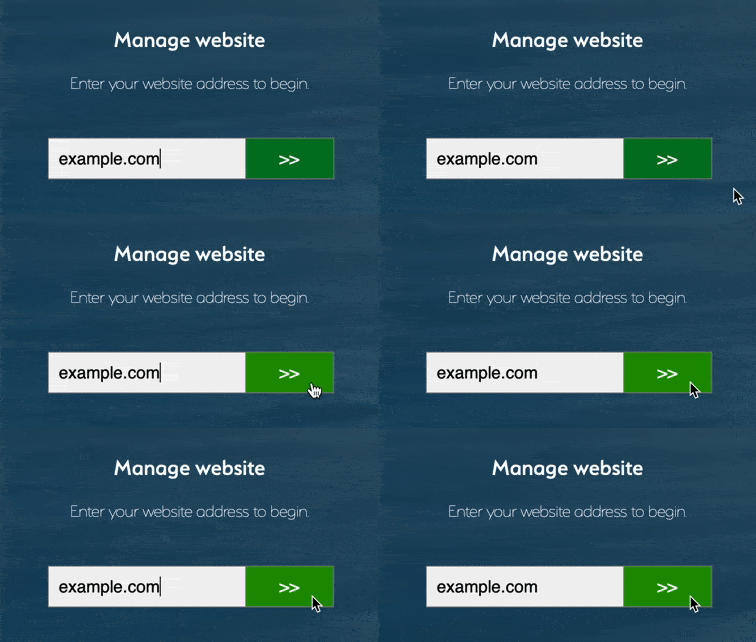
- Type your website address into Manage website box and click the green button.
- Now select Click Here to Log in with your Services account and type the Email address and password that a Black Moon Hosting representative gave you in your Welcome email.
Tip: Your email address will be the email address you used to contact us, purchase a service or make an enquiry.
Forgotten your Password? Click here to reset it.

- Click on the Settings menu on the left hand-side. Your pages will appear.

- Simply click and drag the page to where you would like it to appear. If you would like it to appear as a sub-menu click and drag to the right. Once you are happy with the result click the save changes button.
Please contact us if you are having any difficulties.